


Seller Tools
Qualify buyers before they reach your calendar
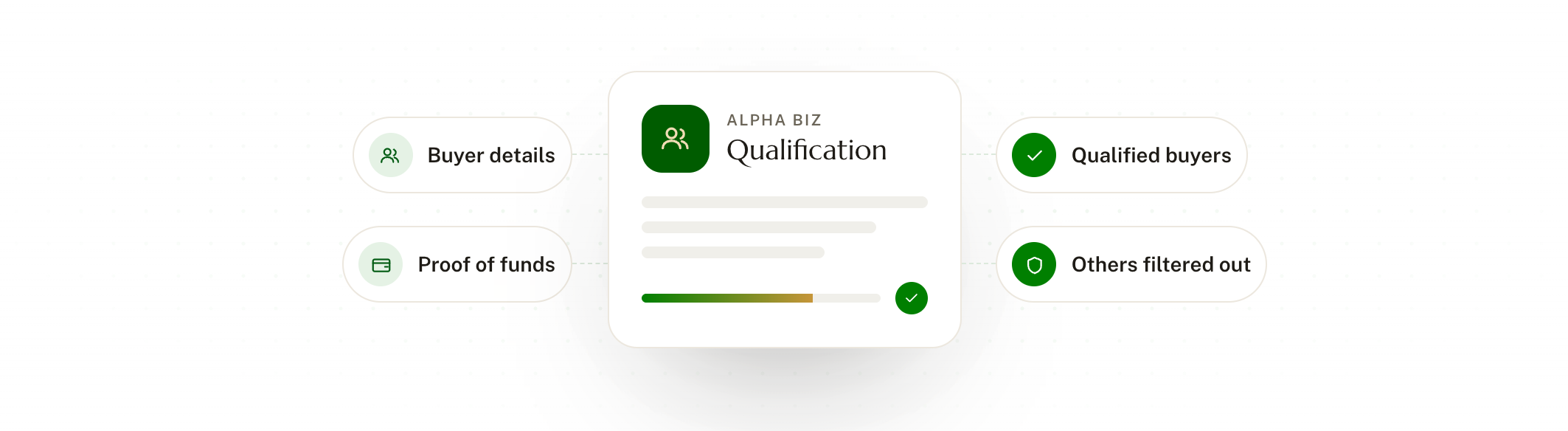
A qualification form on your website collects buyer details and proof of funds upfront, so unqualified buyers are filtered out before a call is scheduled.
Common problems with manual buyer qualification
A few problems tend to show up when buyers are qualified through calls and email:

Buyer information is collected through calls and email, with no standard process behind it.
Calls and meetings happen before anyone knows whether the buyer is qualified.
Some buyers turn out to have no proof of funds.
Some buyers won't sign an NDA.
Some buyers were only curious.
A buyer qualification flow, built into your website
Buyers move through one guided intake form that gathers what you need to judge them, before any time is spent on a conversation.
Buyer intake form that runs on your own website
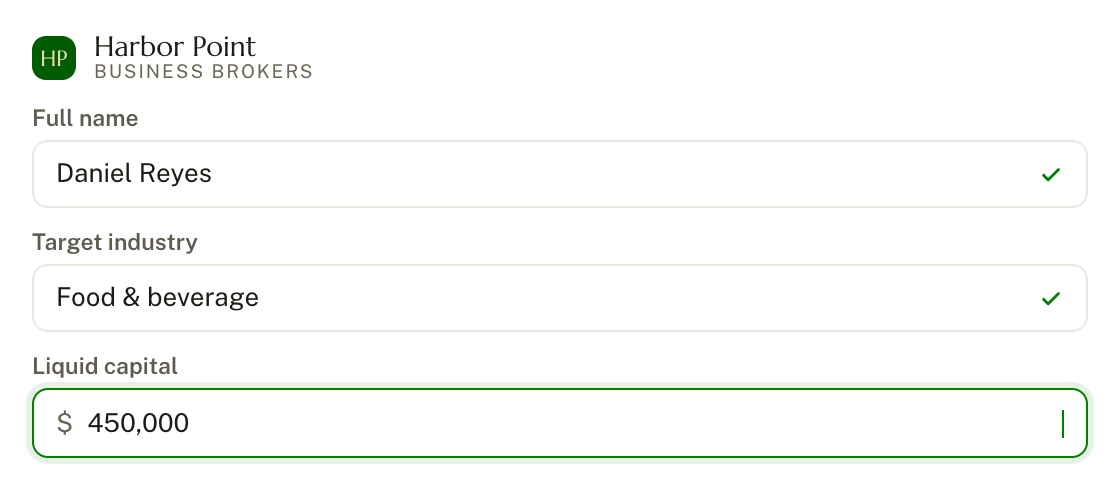

Proof-of-funds collection built into the same form
Qualification workflow filters out unqualified buyers automatically
Every buyer goes through the same process, in the same order
Qualified buyers move on to the next step without manual follow-up
Step by step
How a buyer moves through it
1
The buyer opens the intake form on your website
No call or email exchange is needed to get started.
2
They submit their details and proof of funds
Everything you would otherwise ask for in separate messages is collected in one sequence.
3
The qualification workflow reviews the submission
Buyers who don't meet your requirements are filtered out automatically.
4
Qualified buyers reach your calendar
Your time goes to the conversations worth having.

Spend your time on buyers who can close
The buyers who reach you have already shown who they are and what they can bring to the deal.

The buyers who reach your calendar are the ones worth the meeting
Qualification happens before a call, not during it
Every buyer is screened the same way, regardless of who on your team handles them
Frequently asked questions
Answers to what brokers usually ask before picking a tool to start with.
Do I need to use every tool, or can I start with just one?
Start wherever makes sense for your workflow. None of these tools require the others to work.
What's the difference between Seller Tools, Buyer Tools, and Developer Tools?
Seller Tools are what a seller interacts with directly. Buyer Tools are what a buyer interacts with. Developer Tools sit underneath both, running the experience under your own brand.
Can I customize the platform to match my brand?
Yes. The White Label Platform runs the entire client experience under your own branding and domain.
Do these tools work together automatically?
Yes. Seller intake, valuation, and listings all pull from the same source of information.
Can I see a tool in action before committing?
Schedule a demo, or sign up directly on the three self-serve tools: Seller Onboarding & Client Intake, Buyer Intake & Qualification, and the Business Valuation Calculator.


Connect


